The Policies Workspace (formerly Authorization Workspace) is where you can define and manage the elements of the authorization process, including the Policies, Applications, Assets and Asset Types, Rulesets, Actions, and Conditions. By default, the Policies Workspace is displayed.
You can create and manage the objects used in Policies (Asset Types, Assets, Rulesets, Conditions, Applications, etc.), as well as the Policies themselves. In certain cases, different people will need to manage different sets of Policies, for example, manage separate Applications, create and manage Policies for separate lines of business.
Policies Workspace
The Policies Workspace is divided into several areas:
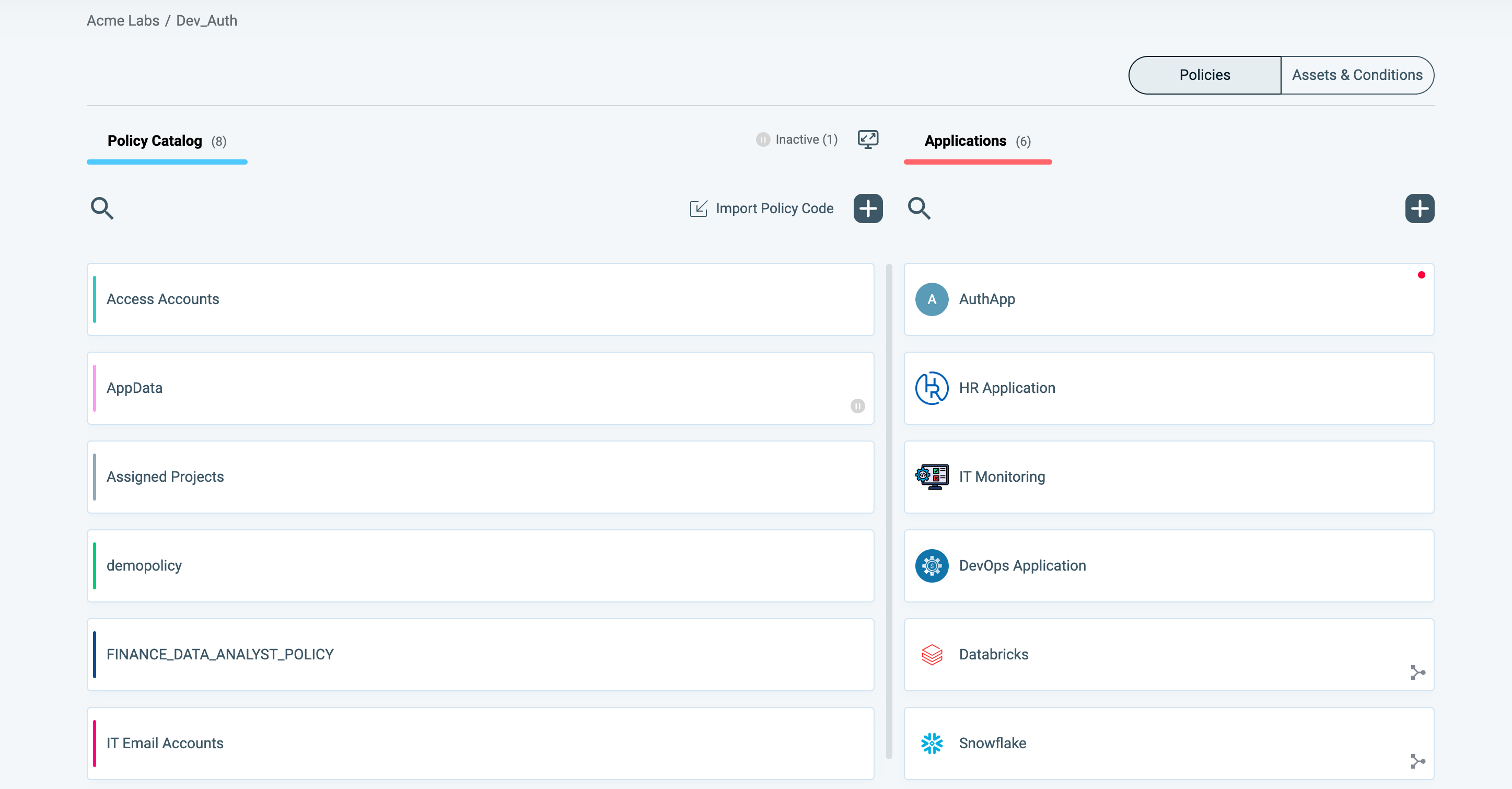
Policies Tab
The Policies tab contains the following areas:
- Policy Catalog: which offers access to all currently defined Policies within the Policies Workspace along with the ability to create new Policies.
- Applications: contains a full list of all Applications defined within the Policies Workspace, along with the ability to create new Applications.
Assets and Conditions Tab
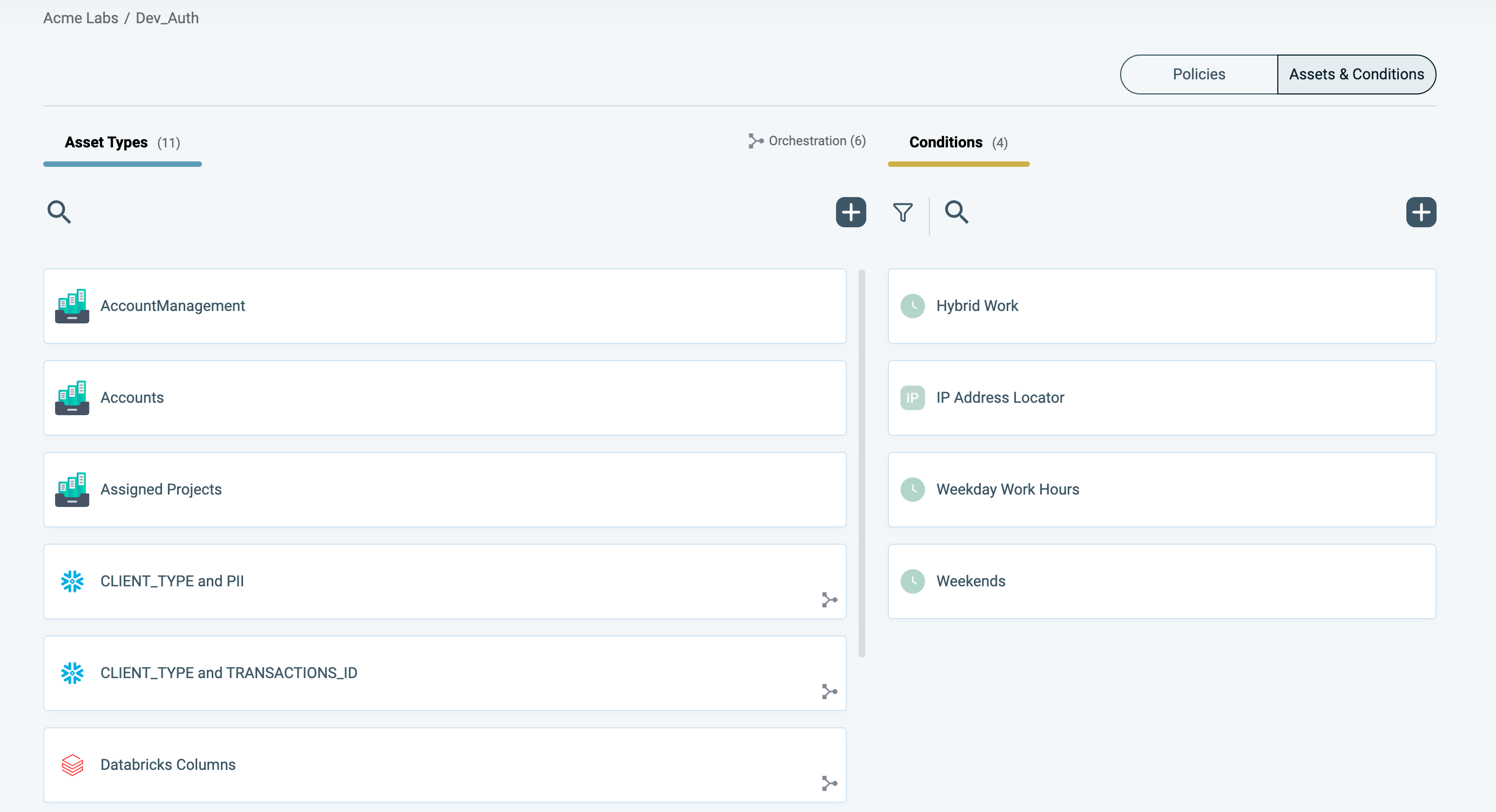
The Assets & Conditions tab contains the following areas:
- Asset Types: where all currently defined Asset Types are listed and where you can create new Asset Types.
- Conditions: where all currently defined Conditions are listed and where you can create new rules for how these Conditions affect the Policy.
Within the Policies Workspace, you can create all of the elements needed to define your organization's authorization policies. These elements, defined in the Assets & Conditions tab, include:
- Asset Types
- Assets
- Ruleset
- Condition
- Actions
Creating another Policy Workspace
Refer to Managing Workspaces for more information